




Release notes 2026.10: Krans got a new look
Every page of Krans looks different this month, and a lot of the changes came out of our calls with you. Here's a quick tour.
Home: your next call, prepped
Krans used to open on a dashboard. Now it opens on your next call. Pick one and the prep slides in: who's coming, what you already know about them, and what to keep an eye on. Five minutes before a call, that's usually all you want.
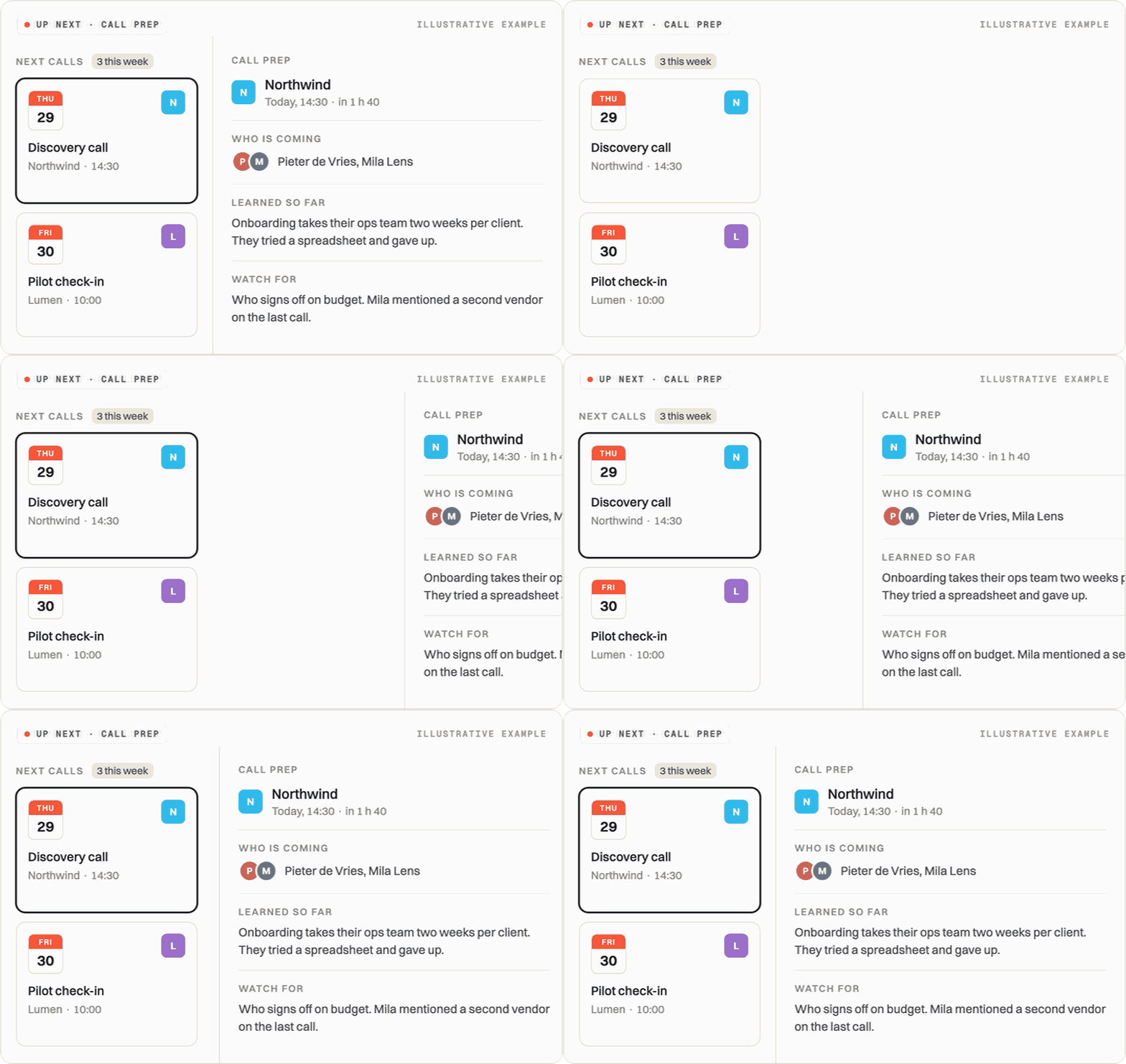
Open Home and connect Google Calendar once.
For review: Krans asks before it guesses
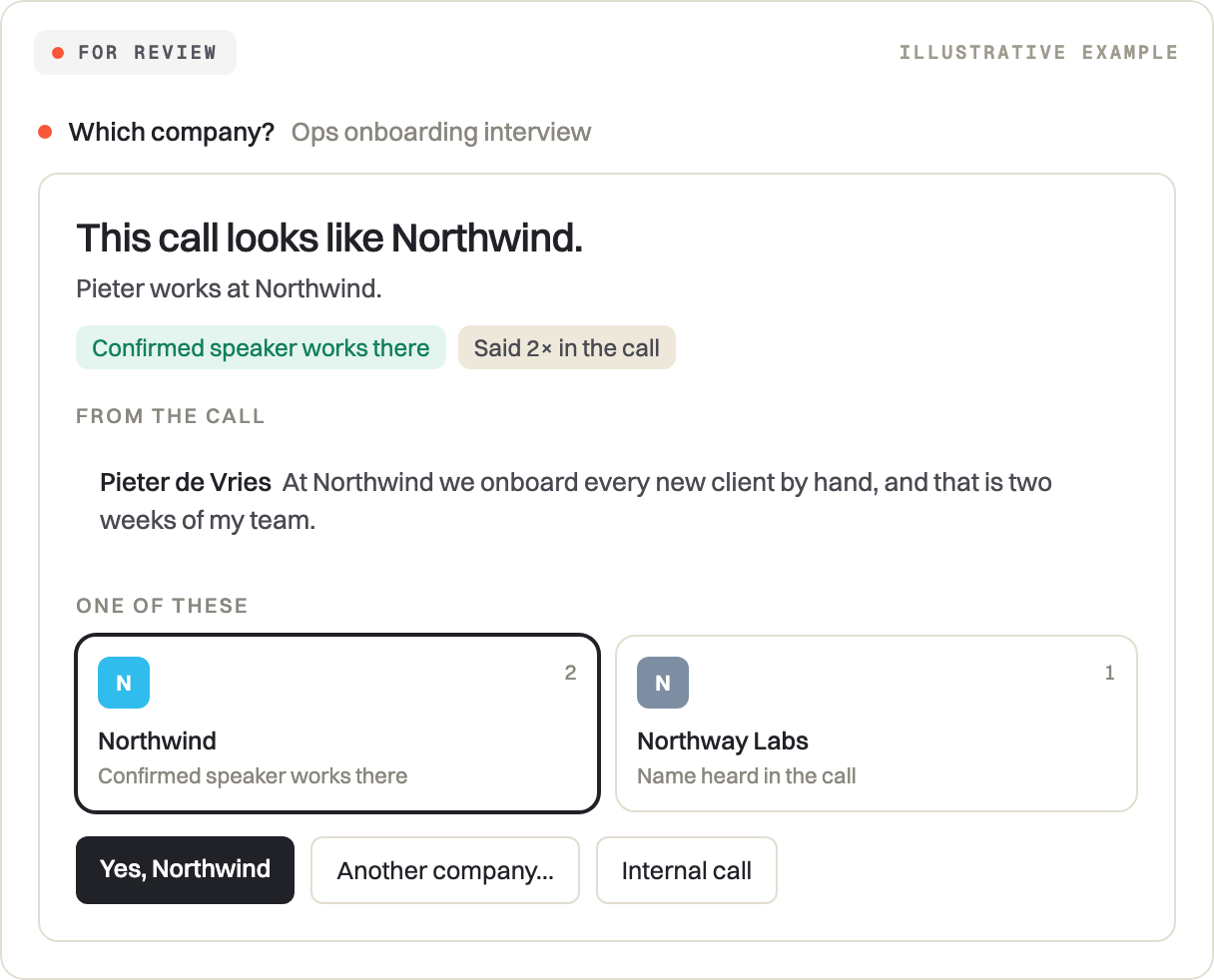
Some calls are hard to place. Was that a customer, a partner or your own team? When Krans can't tell, it asks you now, with its best guess and the line from the call that gave it away. Confirming takes one click.
Conversations: every call, scored
Every call in one table, with its type and how well it went. Open one and you get the summary, a read on the evidence, and an honest list of what helped and what you missed. The transcript runs next to the recording.
Threads: what to do next on a deal
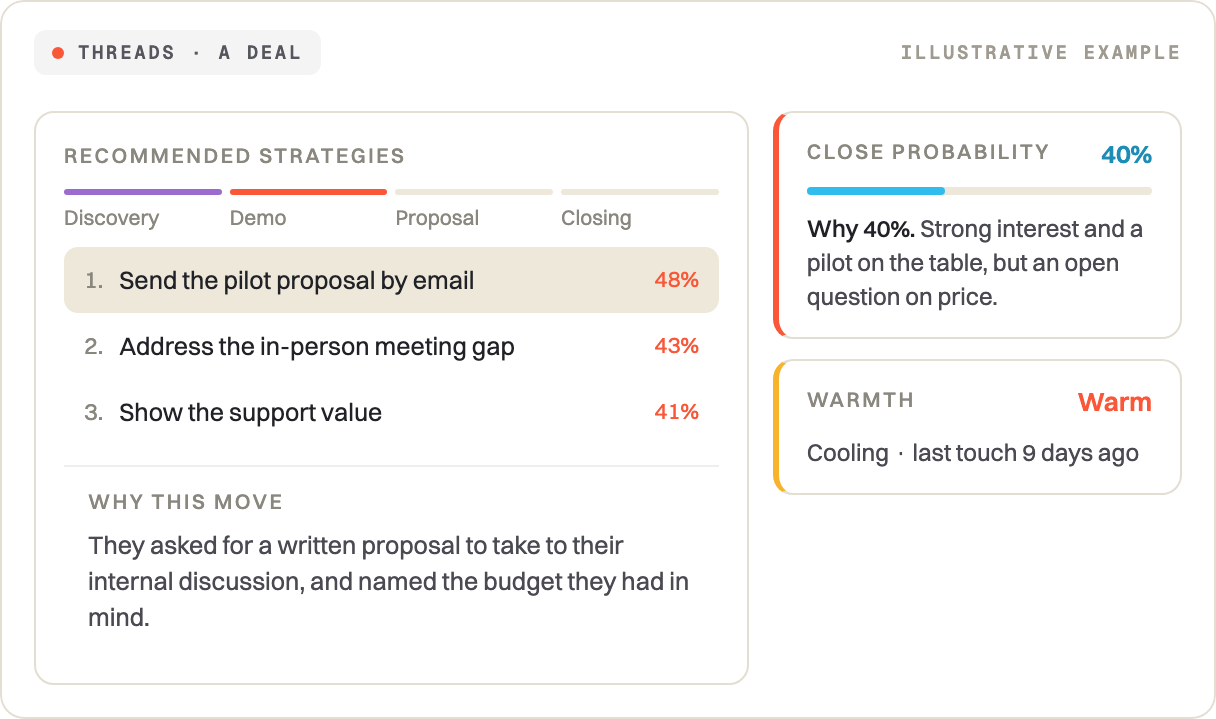
Your deals on a board by stage, with separate tabs for investors, partners, hiring and internal calls. Open a deal and Krans tells you what it would do next, and why. It shows its working on the close probability too, so you can disagree with it.
Contacts and Accounts
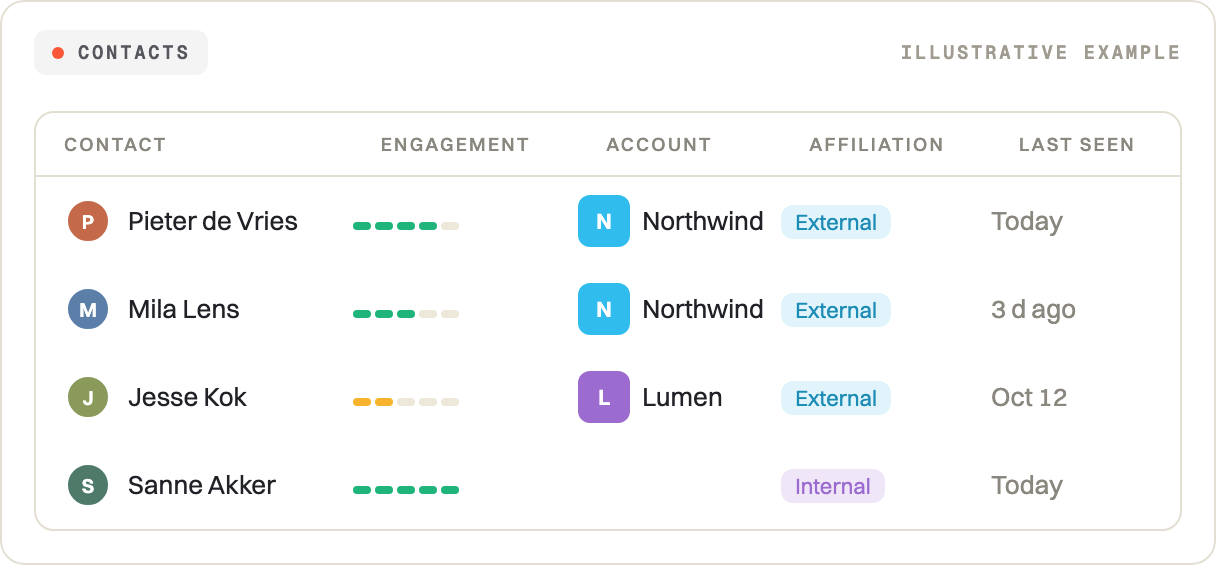
Everyone you've talked to, and every company they work for, in one table each. You see who's warm, where they sit in your pipeline, what they keep bringing up and when you last spoke. Your own team is marked internal, so they don't end up between your customers.
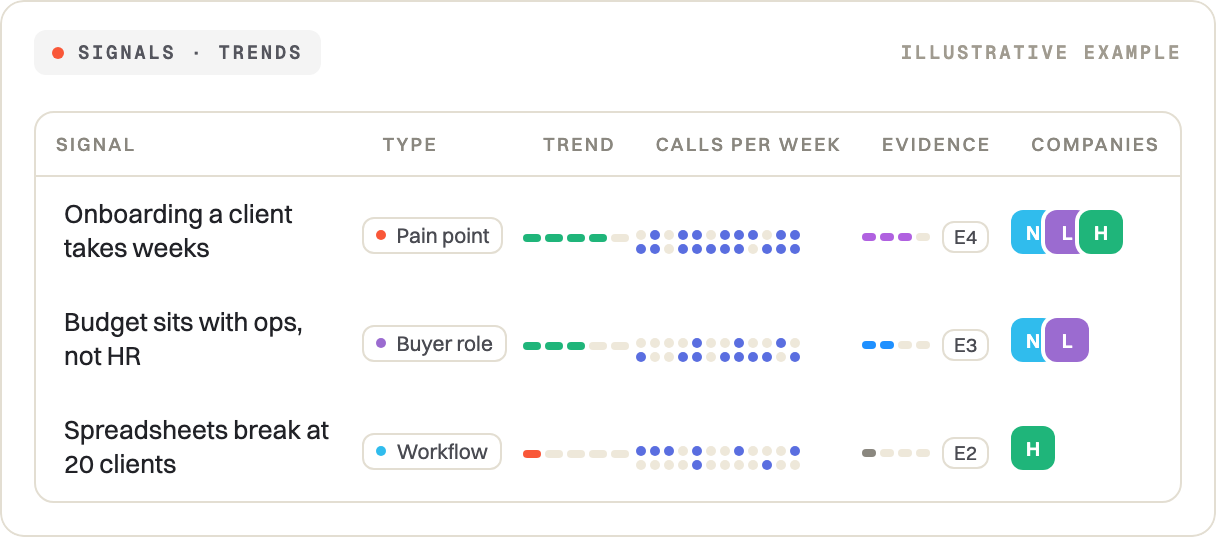
Signals: what keeps coming up
Filter on what's rising or fading, and see which companies said it and how solid the evidence is. Open a signal and you can watch it grow from a hunch to decision-grade, with the quotes behind it.
Canvas: customer voice or your own idea
Your canvas now admits what it doesn't know. Each block shows how much comes from customers and how much is still your team talking to itself. One of you asked for a way to see only the strongest evidence, so there's now a filter for E4 and E5.
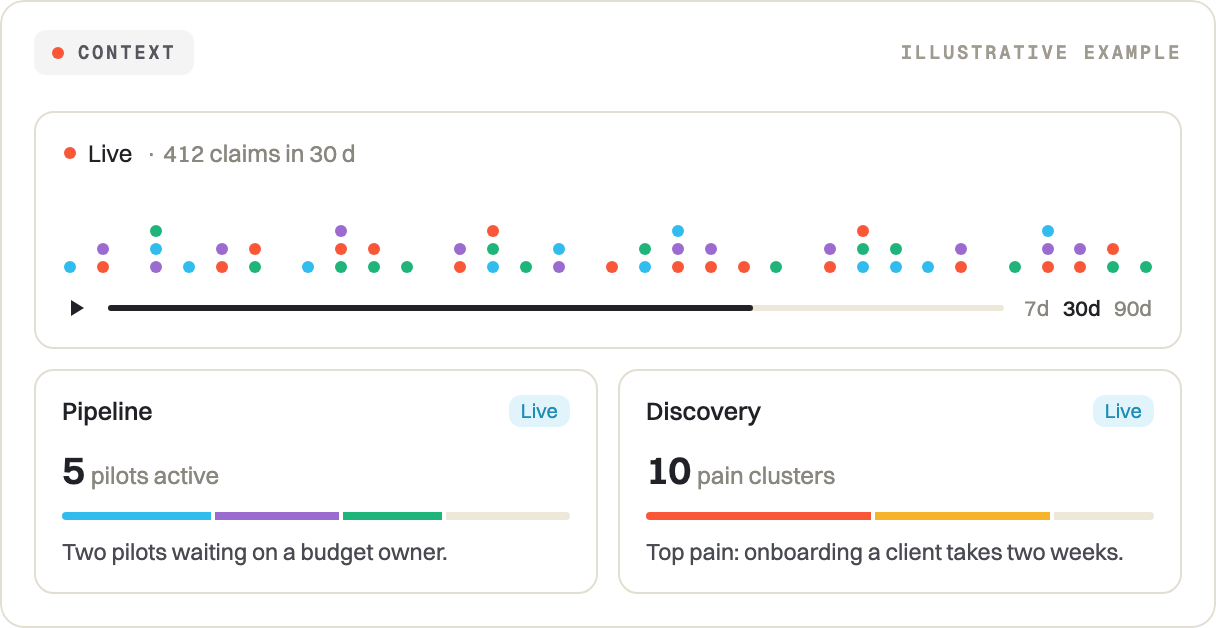
Context: everything Krans knows
Context is everything Krans has picked up, one tile per area. Hit play on the timeline and watch the picture fill in week by week. Click into an area for the detail: every deal with its health and blockers, or every champion and how strong they are.
Chats: every conversation kept
Ask it anything, then come back to it later: chats now stay in your sidebar. Every answer lists its sources, so you can check the call it came from. Tag a company with @, drop in a file, or talk instead of typing.
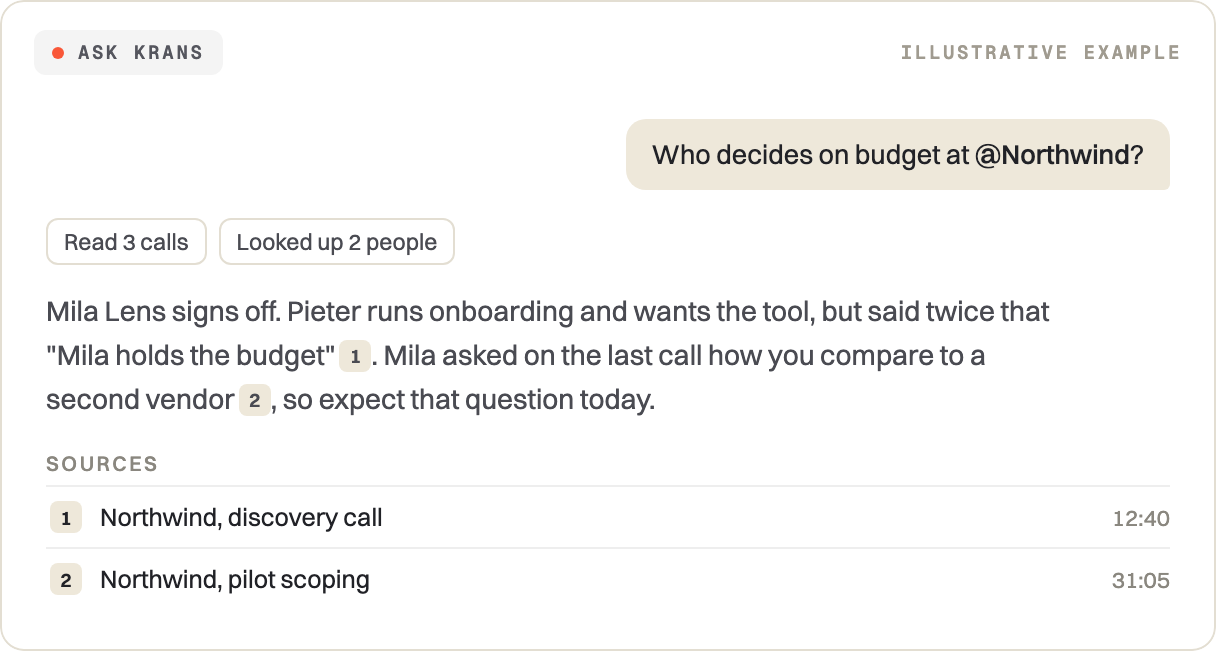
Ask from your home, and your chats collect in the sidebar.
Heads up: positions are stepping back
For now, positions have moved off the main screens and the chat stops using them.
Everything you put in is still there, every logged decision included. Ask the chat about an old decision and it will still find it.
Miss them? Tell us in your next check-in, and we'll turn them back on for your company.
Also new
- Switch workspace, connections and billing from your name at the bottom left
- Connections: your GitHub repo as a source, Notion only the pages you pick
- The sidebar shows when Krans last synced, and Sync runs it now
- Fix a speaker and the call summary rewrites itself
That was a lot of pages. We'll go through it with you in your next check-in, so bring whatever's unclear.
Want to see what we build next? Follow Krans on LinkedIn.
Superpowers in this article
See what Krans reads in your own ventures.